

56timezones, one city each
147airport codes you can type
2styles: modern or retro
2button maps: new or Classic
One face, read at a glance
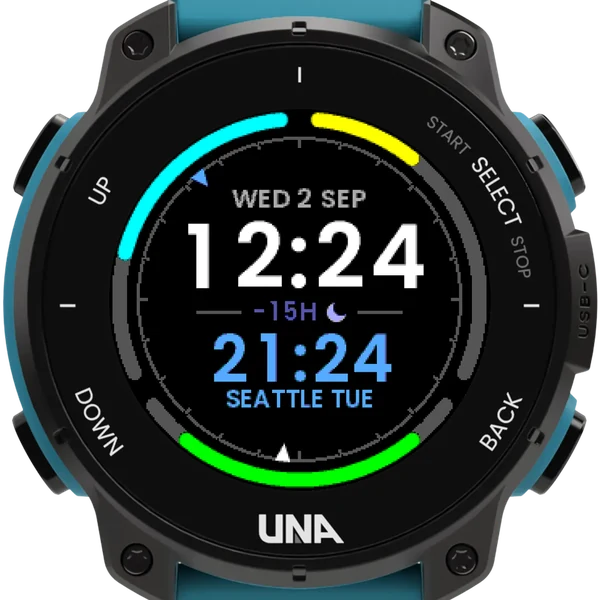
Two times
Your own time large, another city's beneath it with the city's name. Its weekday appears only when it is on a different date to you, and between the two sits the difference in hours, with a moon when it is night there.
The ring
One ring in three parts: today's steps on the left and active minutes on the right, against the goals already set on your watch, and the battery at the bottom. Inside it, a 24-hour dial points to both times.
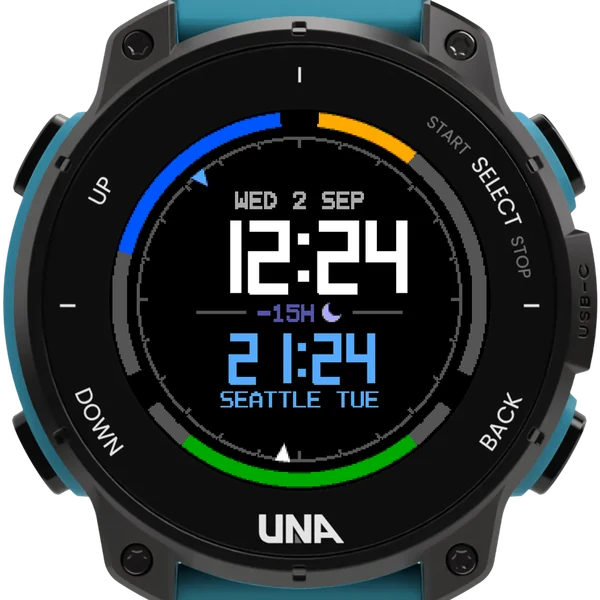
Modern or retro
Set Face style to retro and the same face is drawn in ClockStudio's style: seven-segment times, dot-matrix lettering, and the ring square-ended in blue, orange and green. Everything else, the buttons included, stays as it is.
Your cities, your time
- Step through your own list of cities, in your order, or through all 56 timezones; a two-second SELECT hold switches between them.
- A short SELECT hold swaps your time with the city's.
- Your own time is the watch's, taken from your phone, or worked out from GPS: HOLD: SET makes the shown city your own.
- While you hold a button, a bar under the city fills and the line names what letting go will do.
- Classic buttons brings back the map WorldClock had before 2.0.
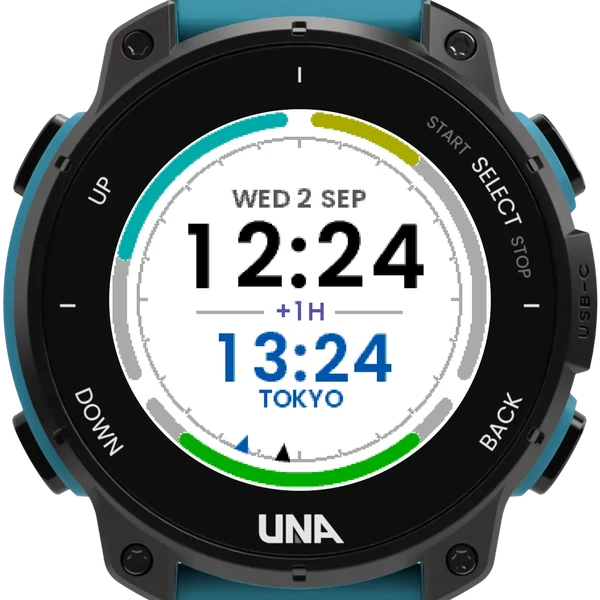
- The screen lights on a wrist raise only between sunset and sunrise where you are, or always, or never; dark text on a light face for daylight.
Buttons
| UP, DOWN | tap | step through your cities |
| UP | hold | invert, the screen light, the info page |
| SELECT | hold | swap your time with the city's; at 2 s, your cities or all 56 |
| BACK | leave |