

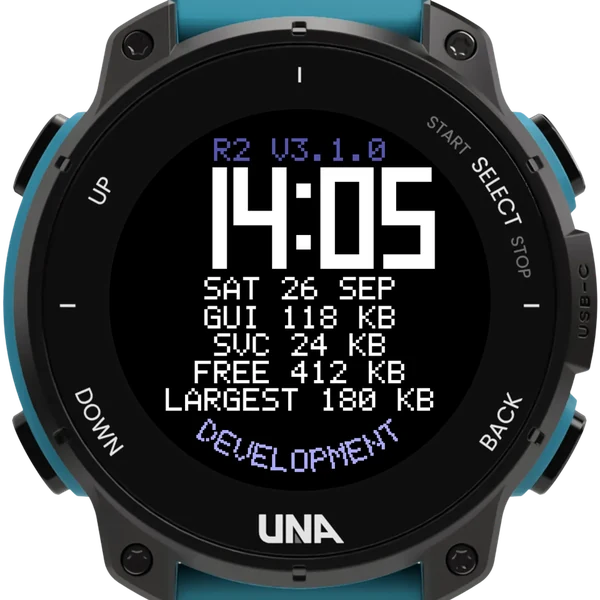
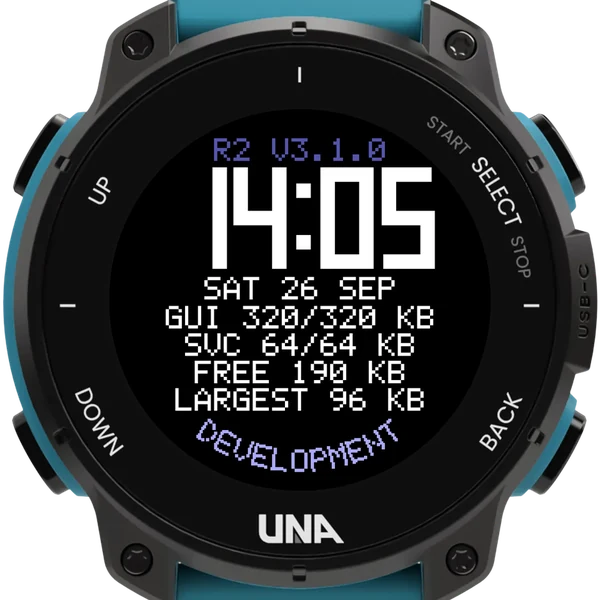
GUIthe screen's memory, held against its total
SVCthe service's, held the same way
16KB a press of UP or DOWN, to start
2heap figures: free and largest block
On the watch
Totals
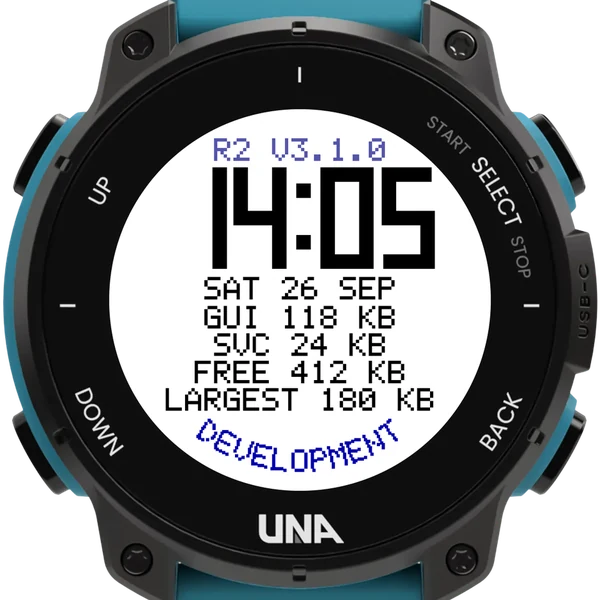
The time and the date, then what each side holds against its total: GUI for the screen, SVC for the service. A line in a different colour means the watch could not give it all.
Changing a total
UP raises and DOWN lowers it by your step size, counting from the app's own size. The new figure is taken two seconds after your last press, so only the final value is allocated.
Keeping the service
With Keep the service when leaving on, BACK leaves the screen while the service stays, holding its total, so your own app can run beside it, and KEEP shows at the top.
Testing with it
- Pair it with DevTestClock, its watch face twin, to see whether an app that big can start from a face that big.
- The total includes the app's own size and it takes the rest, so 320 means 320 held in all.
- Changes made with the buttons last until the app ends; the phone's settings are left as they are.
- If the watch cannot fit it, it will not open, and that is the answer.
- The DEVELOPMENT banner takes your own words or amber; a count beside the version rises with each phone change.
Buttons
| UP | tap | raise the total in braces by one step |
| DOWN | tap | lower it by one step |
| SELECT | hold | half a second: GUI or SVC; 2 seconds: keep or end the service |
| BACK | leave; a kept service stays |
On the 1.5.0 release candidates an app that starts short of memory can also restart the watch; that is the firmware's doing.