

38sensors, grouped by subsystem
4answers, kept apart
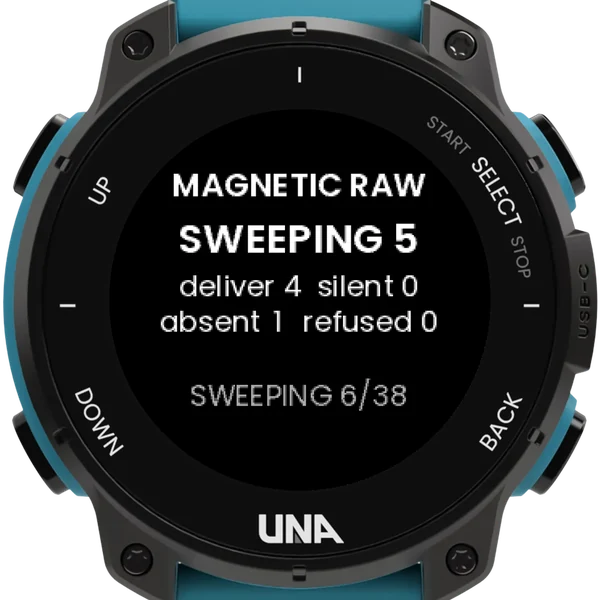
4 sper sensor in the sweep
0accounts, network or tracking
How it reads a sensor
Four answers
NO DRIVER: nothing registered for it. REFUSED: something there would not connect. SILENT: connected, nothing arriving, which is not the same as broken. DELIVERING: readings coming in. It counts how long you have waited.
The pages
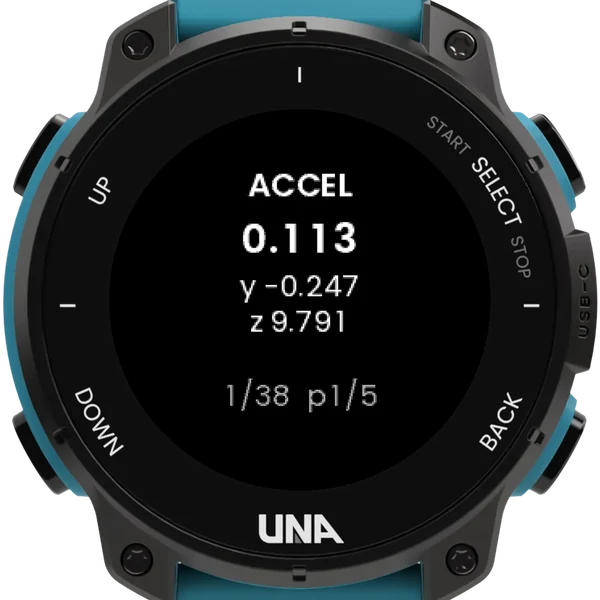
VALUES, field by field as the SDK names them. RANGE, the smallest and largest since you arrived. SHAPE, the count, the rate and the batch. RAW WORDS, the same reading in hexadecimal, because the bytes cannot mislead you.
The sweep
Hold SELECT for two seconds and it visits all thirty-eight in turn, four seconds each, about two and a half minutes. Every sensor then carries its verdict, and the run is written to a text file on the watch.
Findings you can share
- Each sweep leaves sensor-report.txt in Apps/6E6ABD0AEE0FD829/: the tallies, then a row per sensor with its verdict and rate.
- A row marked MISMATCH is a real finding: any app using the standard parser for that sensor is reading the wrong numbers.
- Flick your wrist harder and watch RANGE's high stop growing: that is the sensor's limit, found rather than looked up.
- It never leaves a sensor connected once you have moved on, and keeps no history.
Buttons
| DOWN | tap | the next sensor |
| UP | tap | the next page |
| UP | hold | back a sensor; at 2 s, the first |
| SELECT | hold | reverse the display; at 2 s the sweep, at 4 s the cost sweep |
| BACK | leave |
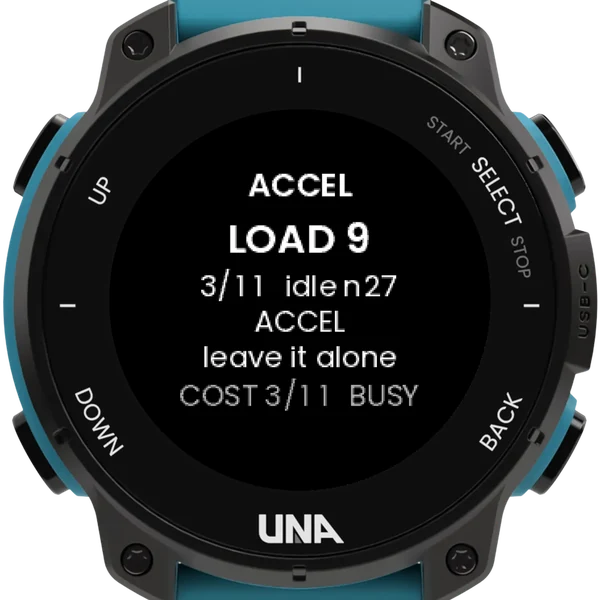
Most battery costs come out below noise: differences of a few milliamps cannot be measured from an app on this hardware.